How it works

How Dastra's AI Assistant works — models, hosting, data transmitted, and invocation logs.

Models and hosting

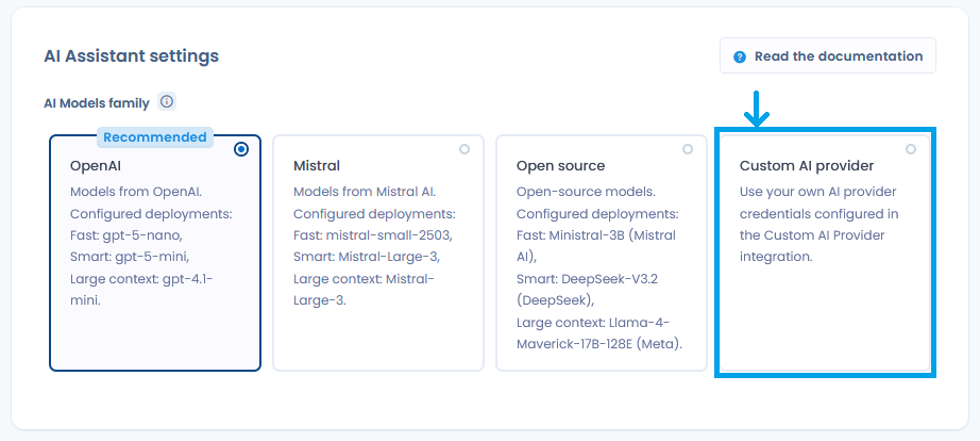
Dastra uses pre-trained generative AI models, available in four families:

Family
Configured models
Hosting

OpenAI (recommended default)

Fast: gpt-4o-nano · Smart: gpt-5-mini · Large context: gpt-4.1-mini

Azure, France / EEA

Mistral

Fast: mistral-small-2503 · Smart: Mistral-Large-3 · Large context: Mistral-Large-3

Azure, France / EEA

Open source

Fast: Ministral-3B · Smart: DeepSeek-V3.2 · Large context: Llama-4-Maverick-17B-128K

Azure, France / EEA

Custom AI provider

Your own provider via API key (see below)

Depends on your setup

For the first three families, models are hosted on Microsoft Azure infrastructure in France. They are not operated directly by OpenAI or Mistral: Dastra uses Azure managed services, meaning your data does not transit through OpenAI's or Mistral's own infrastructure.

For each family, three model tiers are used based on task complexity:

  • Fast (simple actions): generating descriptions, suggesting tags

  • Smart (actions requiring more reasoning): generating structured objects in Dastra

  • Large context (actions processing large volumes of data): questionnaire responses, compliance analysis

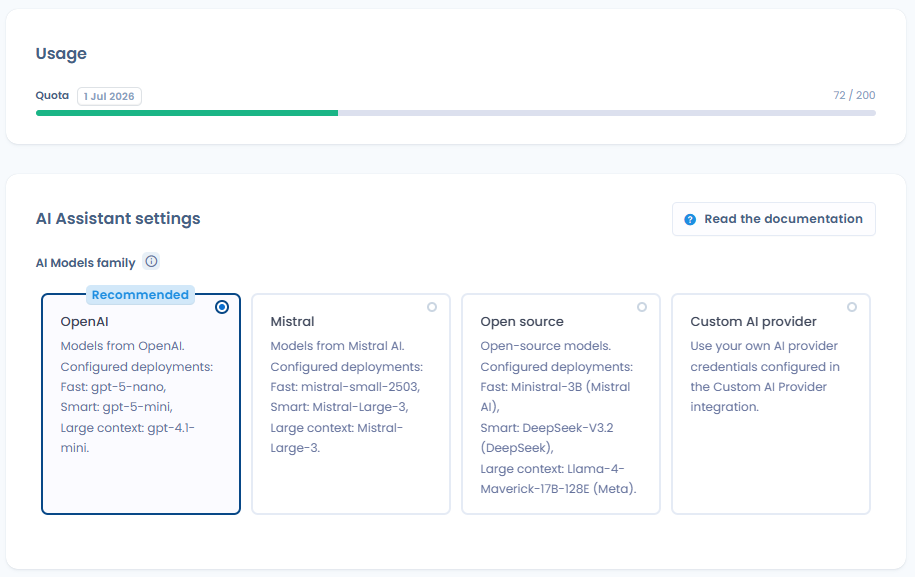
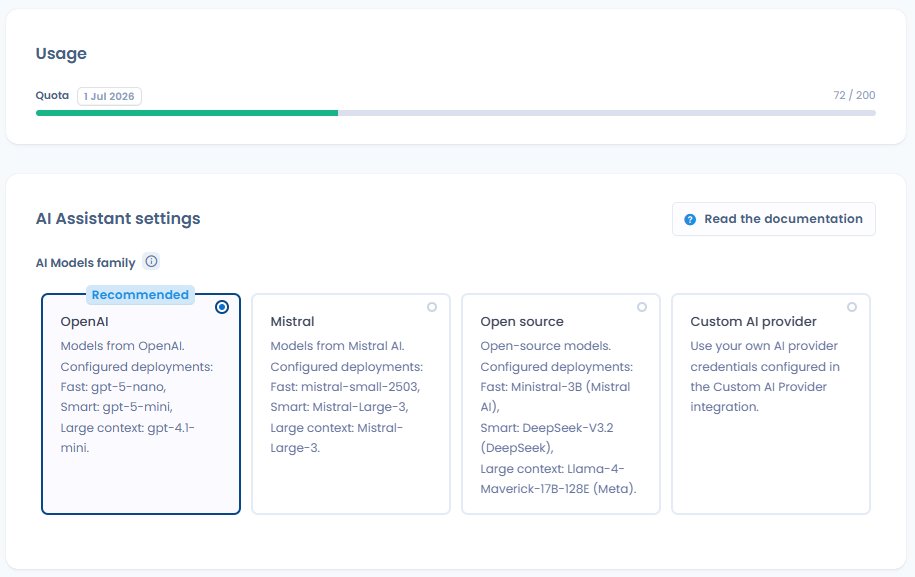
You can configure the model family used in Organisation Settings > AI Assistant.


Custom AI provider

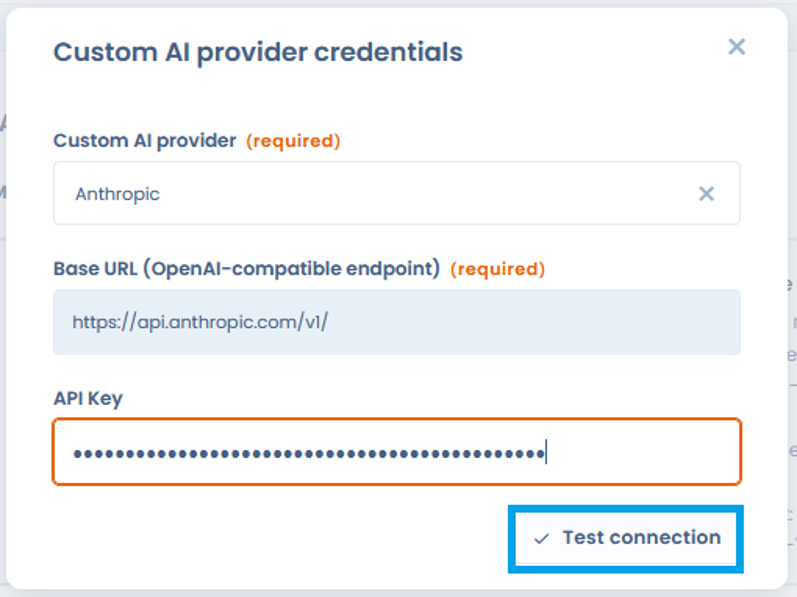
Dastra lets you connect your own AI provider via an API key, provided it is compatible with the OpenAI API standard. Supported providers include OpenAI, Google (Gemini), Mistral, Microsoft Foundry, and any compatible self-hosted LLM.

To configure a custom provider, go to Settings > AI Assistant > Custom AI provider, then enter your credentials and map them to the three model tiers (Fast, Smart, Large context).


What Dastra sends to the model

Dastra only transmits the information necessary for the requested generation: the text entered by the user, and where applicable the structured fields of the relevant object (processing activity, AI system, rights request, etc.).

The exact data transmitted per feature is detailed in the section below.


What Dastra does not do

The following points are contractually guaranteed by Microsoft Azure for all models in the OpenAI, Mistral, and Open source families:

  • Your prompts and results are not available to other Azure customers

  • Your data is not transmitted to OpenAI, Mistral, or any other third party

  • Your data is not used to train or improve base models

  • Models are stateless: no prompt is stored in the model between requests


Abuse monitoring and human review

Microsoft Azure maintains an automated mechanism for detecting potentially abusive content. In exceptional cases where content is flagged, a sample of prompts may be temporarily retained in a customer-isolated storage environment for review purposes. For resources deployed in the EEA (which is the case for Dastra), any human reviewers involved are also located in the EEA.

This retention remains exceptional and does not apply to normal platform usage. For more details, see the Microsoft documentation on Azure Direct Models data privacy.


AI invocation logs

Dastra retains a history of AI assistant calls for the last 90 days, accessible via Settings > AI Assistant > AI invocation logs. For each call, the following information is recorded:

Field
Description

Date

Timestamp of the call

Status

Success or failure of the generation

Operation

Type of prompt used

Model

Name of the model used

Duration

Processing time for the request

User

Workspace member who triggered the generation

What data is transmitted to the model?

Dastra transmits no data from your workspace to the AI model unless you initiate it. Only the information listed below, depending on the feature used, is included in the request sent to the model.

Feature
Data transmitted to the model
Potential personal data

Generate a processing activity

Free text entered by the user

No — unless the user mentions individuals in the description

Generate an asset

Free text + privacy policy URL provided

No

Generate an actor

Free text + URL or attachment provided

No

Generate a dataset

Free text entered by the user

No

Generate a security measure

Free text entered by the user

No

Generate a privacy notice

Structured fields of the processing activity (purposes, legal basis, retention periods, recipients, rights)

Potentially — if fields contain named references

Generate a description

Free text entered by the user

No

Suggest tags

Text content of the object (name, description)

No

Generate a questionnaire template

Free text entered by the user

No

Answer a questionnaire (DPIA, risk analysis…)

Structured fields of the linked processing activity + any custom instructions

Potentially — depending on the processing activity content

Generate a response to a DSR

First and last name of the requester, request message, language, workspace name, purposes, operator name, request date and days remaining, status and request ID

Yes — name, surname and request content

Generate a data breach post-mortem

Structured fields of the breach (description, affected data, measures taken)

Potentially — depending on the breach record content

Extract contract metadata

Text content of the transmitted document (attachment or URL)

Potentially — depending on the contract content

Generate a custom document

User-entered instructions + optional source content

Potentially — depending on the instructions provided

Generate a custom report

User-entered instructions

No — unless the user includes data in the instructions

Risk analysis (AI system)

Structured fields of the AI system (description, purposes, data processed, stakeholders)

Potentially — depending on the AI system record

Generate an AI system description

Free text + URL or attachment provided

No

Generate an AI system notice

Structured fields of the relevant AI system

Potentially

Suggest controls / requirements / tests

Context of the relevant object (name, description, framework)

No

Data that is never transmitted

The following are never included in requests sent to the AI model:

  • Dastra user credentials and passwords

  • Data from other records in your workspace (only the object you are working on is in scope)

  • Session metadata (logged-in user name, IP address, etc.)

  • Attachments not explicitly provided in the relevant feature

Prompt retention

Azure models used by Dastra are stateless: prompts and results are not stored in the model and are not used to retrain or improve base models.

Exception — abuse detection: Microsoft Azure maintains an automated mechanism for monitoring potentially abusive content. If a prompt is flagged, a sample may be temporarily retained in a customer-isolated storage environment for review purposes. For resources deployed in the EEA (which is the case for Dastra), any human reviewers involved are also located in the EEA. This retention remains exceptional and does not apply to normal platform usage.

For more information, see the Microsoft documentation on Azure Direct Models data privacy.

Last updated

Was this helpful?